


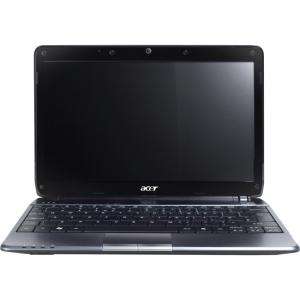
Screenshot on Acer Aspire AS1410-232G16n
Laptops Specs >> Acer >> Acer Aspire AS1410-232G16n| Specifications | | | Reviews |
| Screenshot |
1. Press Windows key + PrtScr key
Press the Windows and PrtScr keys simultaneously and a screenshot will be taken.
Your screenshot will be in a folder called screenshots on your computer, as shown in the picture below:

2. Press PrtScr key
Press the PrtScr key and a screenshot will be taken.
The screenshot is then automatically copied to the computer's clipboard and can be pasted into an image editor and edited.
Comments, Questions and Answers about Acer Aspire AS1410-232G16n
Ask a question about Acer Aspire AS1410-232G16n
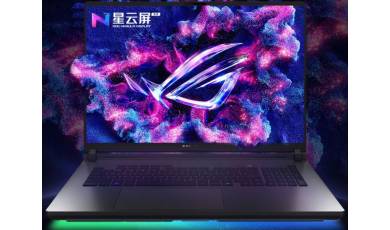
ASUS has unveiled a new series of ROG Hero 10 gaming laptops, available in both standard and Plus versions. The company has focused not only on powerful hardware but also on effective cooling, designed to handle modern AAA games without throttling.
ASUS has added the Tianxuan 7 Pro Max gaming laptop to its lineup. In addition to a large display, the new model is equipped with powerful hardware from AMD and NVIDIA, as well as a decent set of ports.
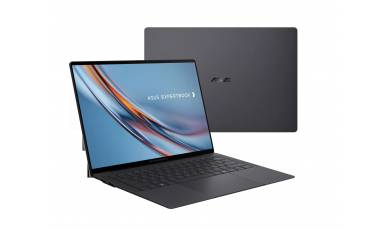
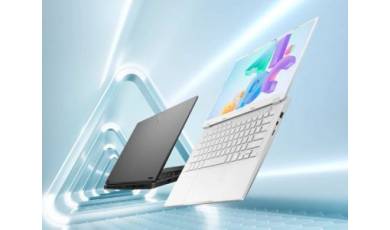
The ASUS ExpertBook Ultra 14 laptop, announced at CES 2026, has been unveiled. It features a 10.9 mm-thick chassis, a tandem OLED display, and powerful hardware.