
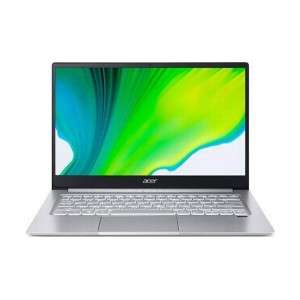
Screenshot on Acer Swift 3 SF314-42-R45M (NX.HSEEK.001)
Laptops Specs >> Acer >> Acer Swift 3 SF314-42-R45M (NX.HSEEK.001)| Specifications | | | Reviews |
| Screenshot |
1. Press Windows key + PrtScr key
Just press the Windows key and the PrtScr key at the same time and the screenshot will be taken.
In the folder named screenshots on your computer, there will be your screenshot as shown in the figure below:

2. Press PrtScr key
Just press the PrtScr key and a screenshot will be taken.
The screenshot is then automatically copied to the computer's clipboard and can be pasted into an image editor and edited.
Comments, Questions and Answers about Acer Swift 3 SF314-42-R45M (NX.HSEEK.001)
Ask a question about Acer Swift 3 SF314-42-R45M (NX.HSEEK.001)
An insider going by the username Tech Home shared a major leak about the OPPO Pad 5 Pro tablet ahead of the device's official launch. On the social network X, he posted images of the device, as well as a complete list of its technical specifications.
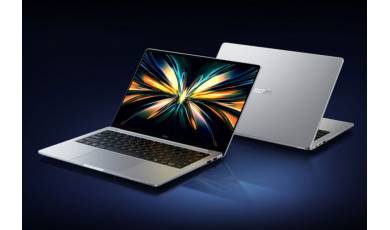
The new 2026 models of the REDMI Book 14 and 16 laptops have been unveiled. The manufacturer is focusing on powerful processors, high-quality displays, metal chassis, and an affordable price. The devices themselves are optimized for everyday tasks.
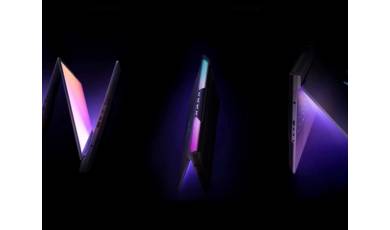
A few days before the launch of the Honor Win gaming laptop, a detailed list of the laptop's configurations has appeared online. According to an insider, the company will offer a choice of seven configurations featuring different processor and graphics card combinations.