


Take a Screenshot on Xiaomi Redmi K50s
Mobiles >> Xiaomi >> Xiaomi Redmi K50s| Specifications | Reviews | Secret codes |
| Unlock phone | Root phone |
| Backup | Flash Firmware | Screenshot |
| Bypass Xiaomi Account Verification |
How to make screenshot on Xiaomi Redmi K50s
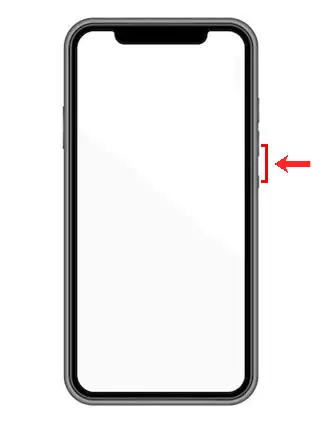
If you need to take a screenshot on the Xiaomi Redmi K50s, you must simultaneously press the Power key and the Volume down button.
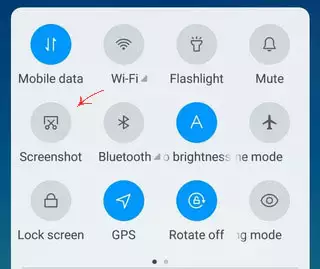
For Xiaomi phones, you can call up a quick access menu that has a special icon to take a screenshot.
The screenshot will be placed in the gallery. Further, you can use the image to share it in social networks, instant messengers or keep it as a photo.
Comments, Q&A on screenshot Xiaomi Redmi K50s
Ask a question about Xiaomi Redmi K50s