



Take a Screenshot on We L5
Mobiles >> WE >> We L5| Specifications | Reviews | Secret codes |
| Unlock phone | Root phone |
| Backup | Flash Firmware | Screenshot |
How to make screenshot on We L5
You can take a screenshot of We L5 by pressing the Power and Volume Down buttons simultaneously.
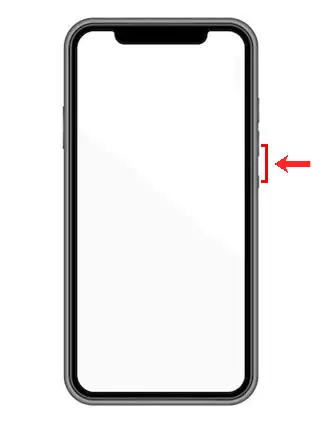
As a result, your screenshot will be saved to the gallery. This screenshot can be sent to someone using instant messengers or shared on social networks.
Comments, Q&A on screenshot We L5
Ask a question about We L5