

Take a Screenshot on Samsung Galaxy A04 Core
Mobiles >> Samsung >> Samsung Galaxy A04 Core| Specifications | Reviews | Secret codes |
| Unlock phone | Root phone | Bypass FRP |
| Backup | Flash Firmware | Screenshot |
How to make screenshot on Samsung Galaxy A04 Core
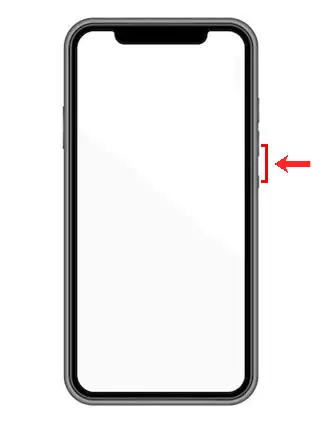
You can take a screenshot of Samsung Galaxy A04 Core by pressing the Power and Volume Down buttons simultaneously.
For Samsung phones, there is an original way to take a screenshot, this is to hold the edge of your hand across the phone screen from left to right.

The screenshot will be placed in the gallery. Now you can use the image to share it on social networks, instant messengers or keep it as a photo.
Comments, Q&A on screenshot Samsung Galaxy A04 Core
Ask a question about Samsung Galaxy A04 Core