


One Computer, Many Hands ? Rethinking Login on Shared Workstations |
|
 |
|
|
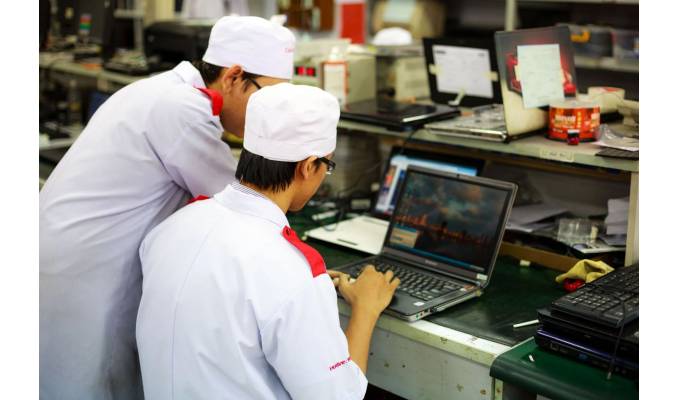
In clinics, factories and stores, several employees may use one Windows computer during a shift. A shared password keeps access simple, but account logs may not show which person signed in. Verification at the operating-system level, such as desktop MFA by Hideez, can link access to an individual authenticator. Employees use an enrolled phone or hardware key, while administrators control who may open the workstation session. What a Shared Password Really CostsA shared credential makes departures difficult to manage. Removing one employee's access may require changing the password for everyone who uses it. Until that happens, knowing the password can remain enough to sign in. Accountability is a concern. If a nurse and a technician use the same Windows profile, its name alone cannot distinguish their sessions. The differences between individual Windows logins and named authentication over a shared profile are explained here. The choice affects auditing and workstation handovers. How Named Sessions Work on a Shared AccountHideez can retain the shared Windows profile while recording who unlocked the computer and when. The desktop client sends supported authentication events to a central log, linked to the employee's authenticator. This identifies session access, not every action inside an application. A shared profile also does not automatically separate users' files or close the previous person's open applications. Teams need to test what remains accessible after a handover and decide where individual accounts are necessary. Matching the Sign-In Method to the WorkplacePhones suit locations where staff may carry them and can use the screen. Employees can scan a lock-screen QR code or use an NFC The method must match the security policy. Detecting a nearby key establishes possession; MFA also requires a separate factor, such as a PIN. Administrators should verify which checks the selected flow enforces. Walk-away locking can reduce unattended access when the phone or key leaves Bluetooth range. Its trigger needs testing around nearby workstations. A provisioned backup credential also matters when a phone battery dies or a key is lost. Questions to Settle Before DeploymentA pilot should confirm:
Use shift changes to test the setup. Check who appears in the log, how the previous session is secured and whether staff can recover access without borrowing a colleague's credential. These results matter more than sign-in speed alone. |


